August 5, 2026
4 min read

Strength Training Apps for Beginners and Intermediates

Add Onemor as a preferred
source on Google

For most beginners and intermediate lifters, Onemor is the strongest starting point: it combines coach-led programming, guided sessions with sets, reps, and rest timers, and a community structure that keeps you consistent without requiring you to plan anything yourself. If you already have a solid program and just need a clean place to log your lifts, a dedicated gym-logging app may serve you better. Here’s how to know which fits your situation.

  • Beginner who needs guided programming — You want someone to tell you what to do, in what order, with how much rest. Onemor's coach-led sessions handle all of that.
  • Intermediate who wants adaptive coaching — You've been training for 6–18 months and need a plan that adjusts as you progress. Look for apps that use RPE (Rate of Perceived Exertion, a 1–10 scale of how hard a set felt) and multi-week periodization blocks.
  • Experienced lifter who just needs a clean logger — You already know your program. You want a fast, reliable way to record sets, track PRs, and export data.

What features actually matter in a strength training app?

Not every app that calls itself a strength tool is built for real strength development. The gap between a well-designed app and a mediocre one usually comes down to six features.

  • Adaptive programming — The app should adjust your plan based on performance, missed sessions, and fatigue, not just add 5 lbs every week. The shift from static libraries to adaptive systems that respond to equipment, recovery, and missed workouts is the defining trend in modern fitness apps.
  • Multi-week periodization — Real strength gains come from progressive blocks followed by a planned deload. Apps that only track session-to-session weight increases miss the key stimulus metrics that drive hypertrophy and strength.
  • RPE or intensity inputs — Logging weight and reps alone leaves out how hard a set actually felt. RPE fields let the app (and you) distinguish a grind from a comfortable lift.
  • Clear exercise demos — Video or 3D demos with movement cues reduce injury risk and help beginners build correct patterns from day one. Camera-based form feedback can also support rep counting and range-of-motion checks, especially for solo lifters.
  • Progress charts — You should be able to see load, reps, and sets over time in one view. Visualizing a plateau is what prompts the right adjustment.
  • Export and backup — Your training data has long-term value. An app that traps it behind a paywall or offers no export option is a red flag.
  • Platform and device support — Check iOS and Android availability, smartwatch compatibility, and whether the app works offline. Gym Wi-Fi is unreliable; your app shouldn't depend on it.

AI-personalized exercise prescriptions have research backing: personalized mobile programs can increase workout intensity and user enjoyment when matched to the right training intent, according to a review published in JMIR mHealth and uHealth. That’s the case for choosing an app with genuine personalization rather than a one-size-fits-all template.

Pro Tip: Test an app’s real personalization within the first days by deliberately missing one session and checking whether the plan adjusts. If the app simply moves the missed workout to the next day without any recalibration, its “adaptive” label is mostly marketing.
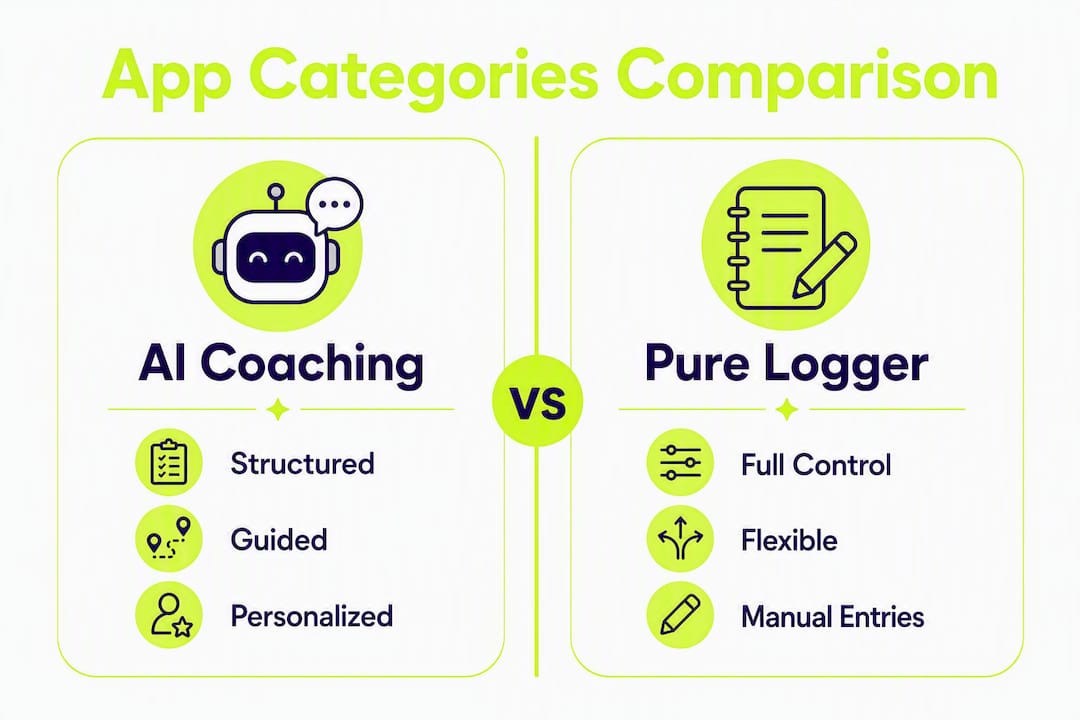
Infographic comparing AI coaching and pure logger apps

Which app category actually fits your training style?

Strength-training apps fall into two main types, with a hybrid middle ground worth knowing about. Matching the category to your intent is more important than any individual feature.
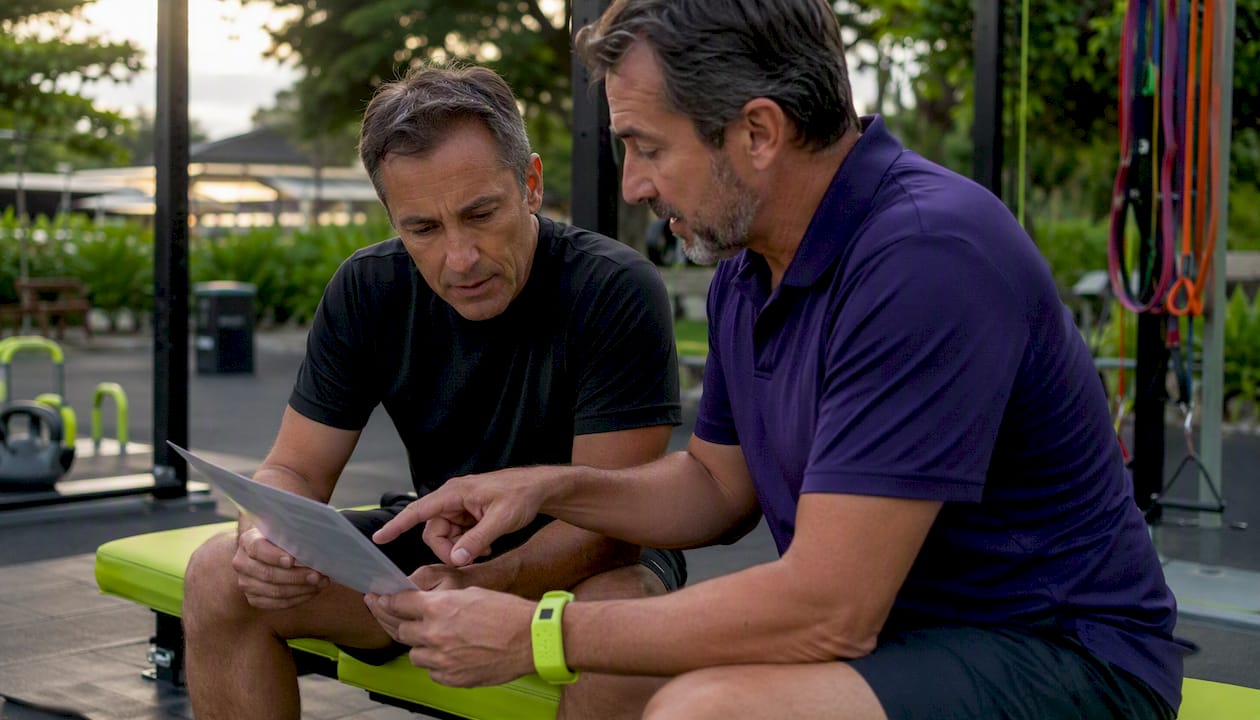
Men discussing strength app categories in gym

AI coaching and adaptive builders

These apps generate and adjust your program based on your goals, equipment, training history, and ongoing performance data. They’re best for beginners who don’t know where to start and intermediates who want a plan that evolves with them.

  • Strengths — Removes guesswork, adjusts to your schedule, and provides structure without requiring program design knowledge.
  • Common limits — Personalization quality varies widely; some apps label themselves "AI" but deliver a fixed template with minor tweaks.
  • Best for — Beginners, intermediates, home-only trainers, and anyone returning after a break.

Template and program libraries

These apps offer pre-built programs (think 5/3/1, GZCLP, or push/pull/legs splits) that you follow as written. You choose the program; the app tracks your progress through it.

  • Strengths — Proven programming, low cost, and full user control.
  • Common limits — No adaptation to missed sessions or fatigue; requires you to already know which program suits your level.
  • Best for — Intermediate to advanced lifters who know what program they want and need a clean tracking interface.

Gym-logging and analytics apps

Pure loggers let you record any workout you design, visualize trends, and track PRs. They don’t prescribe anything.

  • Strengths — Maximum flexibility, detailed analytics, and fast data entry.
  • Common limits — Zero guidance; you need to bring your own program and periodization knowledge.
  • Best for — Experienced lifters who already have a coach or a well-defined program and want data, not direction.

The honest trade-off: AI coaching gives you more structure but less control. A pure logger gives you full control but zero guidance. For most people starting out or building consistency, structure wins.

How do you choose the right app during a free trial?

A free trial is a test, not a preview. Here’s a step-by-step way to use the trial period to make a real decision.

  1. Define your training intent before you download anything. Are you building a habit, following a specific program, or trying to break a plateau? Your answer determines which category you need.
  2. Complete onboarding honestly. Providing inaccurate injury history or overstating your experience level produces unsafe or unsustainable starting programs. Be specific about past injuries, current training frequency, and available equipment.
  3. Test personalization by day 7. Miss a session intentionally. Does the plan adapt, or does it just pile up? Ask the app (or its support team): "If I miss two workouts, will your plan adjust?"
  4. Check RPE fields. Enter a low RPE on a set that felt easy. Does the app register it and suggest a load increase next session? If there's no RPE field at all, the app can't track training intensity.
  5. Evaluate tracking and export. Can you see a load-over-time chart for each exercise? Can you export your data as a CSV or PDF? If not, your history is locked in.
  6. Test customer support. Send one question during the trial. Response time and quality tell you a lot about what happens when something goes wrong post-purchase.

Enjoyment of the interface predicts continued use more reliably than raw feature counts. If navigating the app feels like a chore by day three, that friction compounds over months.

Red flags to watch for:

  • Onboarding that takes under two minutes and asks no questions about injury history
  • No intensity fields (RPE, RIR, or effort rating)
  • Exercise demos that are low-quality GIFs with no movement cues
  • Core tracking features locked behind a paywall with no free-tier access
  • No data export option anywhere in settings

On pricing: A 14-day trial is the minimum worth accepting; 30 days is better for strength apps because you need at least two full training weeks to judge adaptation. Monthly subscriptions in a moderate price range are standard for quality apps. If a free tier exists, check whether it covers actual programming or just a library of exercises you have to organize yourself.

Why Onemor works well for beginners and intermediates

Onemor is built specifically for the training stage where most people quit: the first few months, when the plan isn’t clear, the habit isn’t formed, and showing up feels optional. The app addresses that directly.

Feature breakdown:

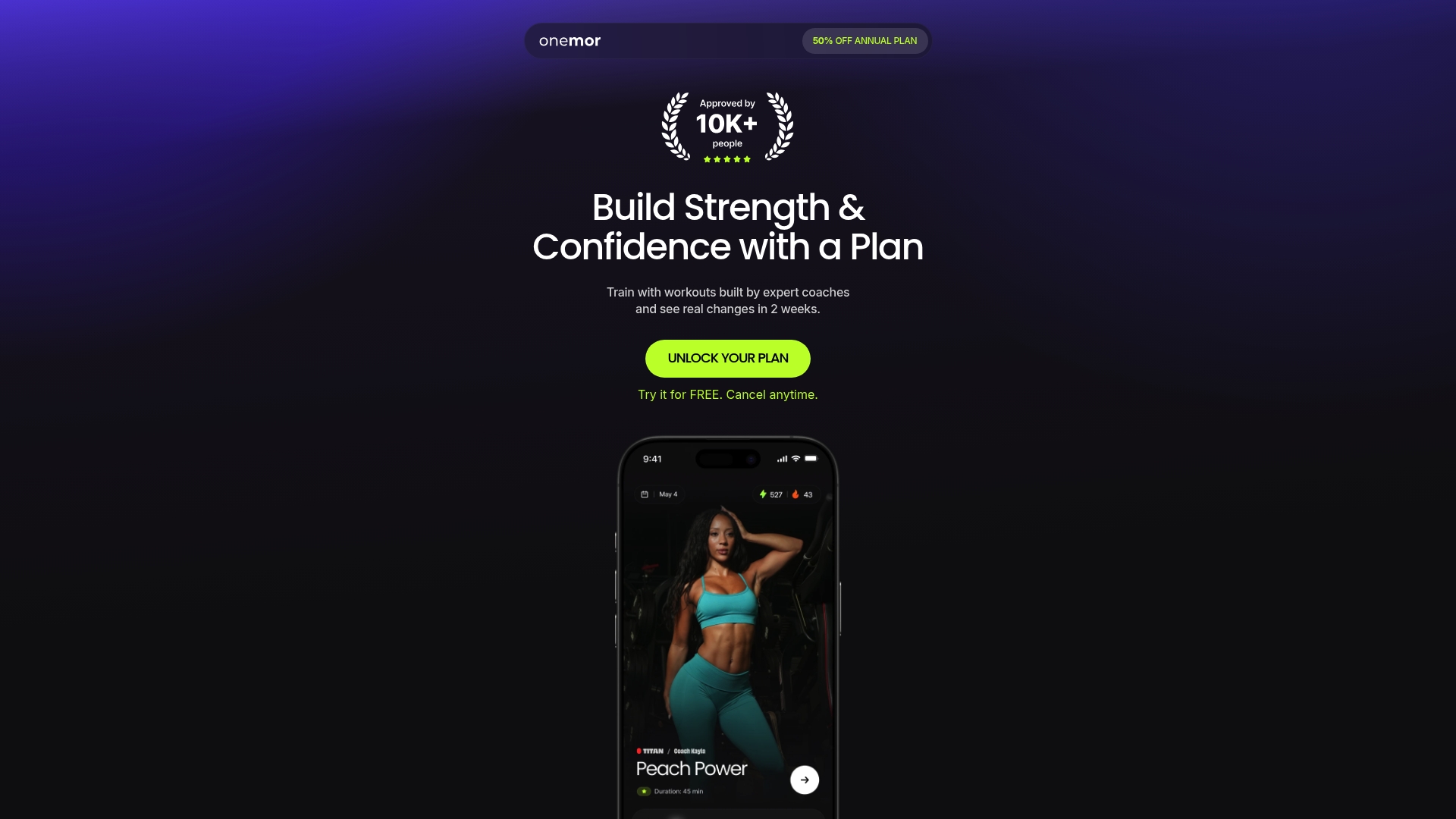
  • Coach-led sessions — Workouts are designed and led by real coaches, including Coach Jahson, Coach Wilbert, and Coach Kayla, with structured sets, reps, and rest timers built into every session.
  • Guided strength programs — Pre-built programs cover strength training, HIIT, bodyweight, and beginner-friendly routines for both gym and home environments.
  • Streaks and XP — Consistency mechanics that reward showing up, not just performing well. For beginners, habit formation matters more than optimization.
  • Tribe challenges — Group-based challenges with friends create social accountability, one of the strongest predictors of long-term adherence.
  • Exercise demos — In-session demos support correct form, which matters most when you're new and building movement patterns.
  • iOS availability — Free and premium subscription tiers available on iOS.

How Onemor maps to the selection criteria:

  • Personalization — Coach-led programs and structured progressions replace the need for self-programming.
  • Tracking — Guided sessions log sets, reps, and rest automatically within each workout.
  • Periodization — Programs are built with progression in mind, not random daily workouts.
  • Device support — iOS with offline session capability.

Pros:

  • Zero planning required; you show up and follow the session
  • Social and gamification features that genuinely support habit formation
  • Beginner-friendly without being condescending
  • Real coaches, not algorithm-only programming

Cons:

  • Currently iOS only; Android users will need to wait
  • Power users who want granular RPE logging and custom block design may want to supplement with a dedicated logger
  • Premium features require a subscription after the free tier

Pro Tip: In your first 14 days on Onemor, complete at least four sessions before judging the programming. Strength adaptations aren’t visible in two workouts. What you’re evaluating early is whether the structure feels right and whether you’re actually showing up.

For readers comparing options across the market, this guide to Fitbod alternatives breaks down how Onemor stacks up against other popular choices on personalization and price.

Training practices that actually produce strength gains

An app is only as useful as the habits you build around it. These are the behaviors that separate people who get stronger from people who just log workouts.
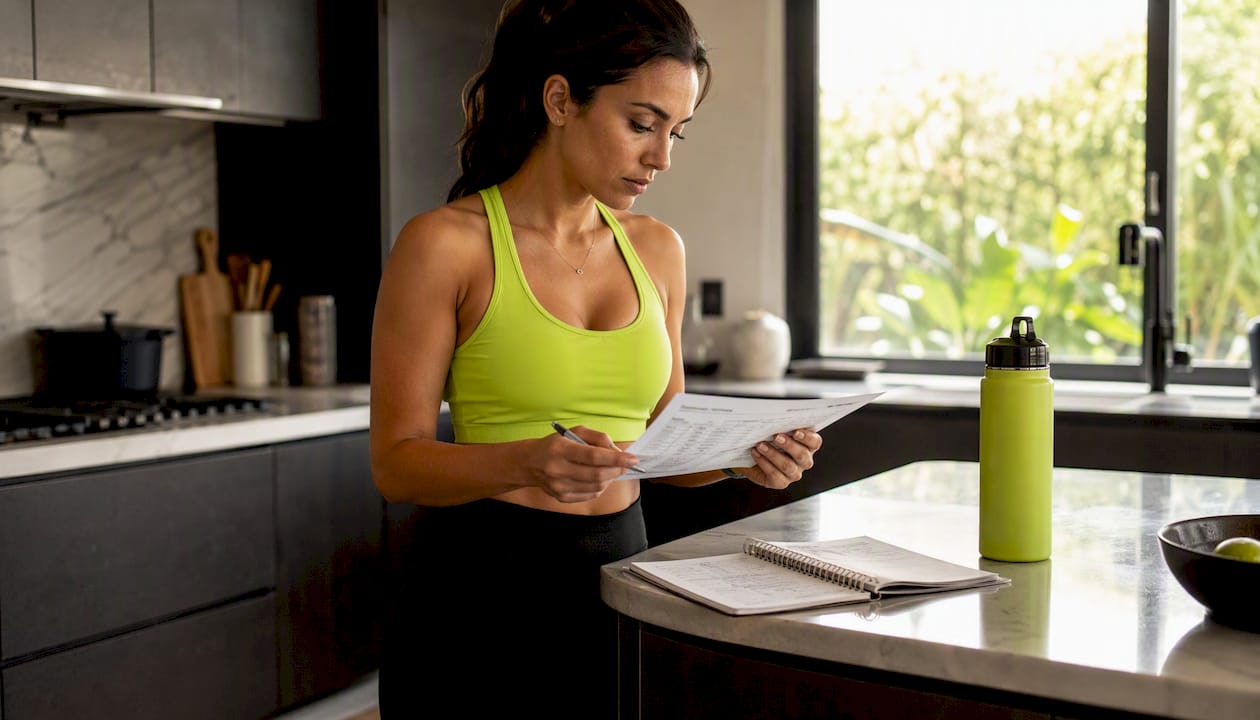
Hands logging strength training workout details

Log RPE on every working set. After each set, record how hard it felt on a scale of 1–10. A set of 8 reps at RPE 7 means you had roughly 3 reps left in the tank. Over time, this data tells you whether your training is getting harder (good) or whether the same weight is feeling easier (time to progress).

Run 3–6 week progressive blocks, then deload. Apps that lack block-level structure produce noisy long-term trends and premature plateaus. A deload week at 50–60% of your normal volume lets your nervous system recover and sets up a stronger next block.

Treat suggested loads as starting points. If form breaks or the set feels harder than the RPE target, manually scale the load down, record your actual RPE, and let the app recalibrate over the next few sessions. Forcing a suggested increase when your body isn’t ready is how small issues become injuries.

Record movement substitutions. If you swap a barbell squat for a goblet squat due to equipment or mobility, log it. Substitutions that go unrecorded create false progress data and confuse the app’s adaptation logic.

Use safety-first design features. Structured progression, vetted coach-created plans, and visible exercise demos reduce risk, but they don’t replace accurate onboarding. The safest app experience starts with honest inputs about your history and current capacity.

Quick safety checklist:

  • Provide complete injury and training history during onboarding
  • Start at a conservative load, even if the app suggests higher
  • Verify form on new movements via demos before adding weight
  • Log subjective recovery (sleep quality, soreness) when the app supports it

Understanding the mental side of consistency is just as important as the physical side. Research on athlete habit formation and performance psychology shows that structured routines and accountability systems significantly improve long-term adherence, which is exactly what the best strength apps are designed to support.

Key Takeaways

The most effective strength training app for beginners and intermediates is one that provides structured, coach-led programming with adaptive features, clear exercise instruction, and consistency tools that keep you showing up week after week.

  • Match app type to intent. AI coaching fits beginners; pure loggers fit experienced lifters who already have a program.
  • RPE and periodization matter. Apps without intensity fields and multi-week blocks miss the signals that drive real strength gains.
  • Onboarding honesty is critical. Inaccurate injury or experience data produces unsafe starting programs regardless of app quality.
  • Test adaptation in the trial. Miss one session intentionally and check whether the plan recalibrates before committing to a subscription.
  • Onemor for guided training. Onemor’s coach-led sessions, streaks, and tribe challenges make it the strongest pick for beginners building consistency.

The real reason most people pick the wrong app

Most people choose a strength app the same way they choose a streaming service: they pick the one with the best-looking interface and the most recognizable name. Then they wonder why they’re not making progress three months later.

The honest problem isn’t the app. It’s the mismatch between what the app does and what the person actually needs. A logging tool handed to a beginner who has no program is like giving someone a blank spreadsheet and calling it a meal plan. The tool is fine. The fit is wrong.

What I find genuinely underrated in this space is the role of social structure. The research on adherence consistently points to accountability as a stronger predictor of consistency than motivation or even program quality. Onemor’s tribe-based challenges aren’t a gimmick. For a 20-year-old training alone three times a week, knowing that a group of people can see your streak is a more reliable reason to show up than any periodization model.

The other thing most app guides skip: the best app for you right now is probably not the best app for you in 18 months. Start with structure and coaching. Once you understand how your body responds to training, you can graduate to more control. Picking a power-user logging app on day one because it looks serious is a fast way to quit by week four.

Try Onemor and see the difference in your first four sessions

If you’ve been putting off starting a strength program because you don’t know where to begin, or you’ve started and stopped because nothing felt structured enough to stick with, Onemor is worth a real trial.
Onemor

The app gives you coach-led sessions from trainers like Coach Geraldine and Coach Denis, with every set, rep, and rest timer built in. You don’t plan anything. You show up, follow the session, and track your progress automatically. The tribe challenges and streak system mean you’re not doing it alone, even when you’re training solo.

Your trial checklist for the first 14 days:

  • Complete your first four sessions and note whether the programming feels appropriately challenging
  • Miss one session and check whether the plan adjusts or simply carries forward unchanged
  • Review your progress log after two weeks and confirm your sets and loads are being tracked accurately

Onemor offers free and premium tiers on iOS. To get started with the full coach-led experience, join the Titan program and begin your first session today. Premium subscriptions can be managed or canceled directly through your iOS account settings at any time.

This article is general fitness information, not medical or professional training advice. Consult a qualified fitness professional or physician before starting a new exercise program, especially if you have existing injuries or health conditions.

Useful sources and further reading

Recommended

FIND YOUR FREE PLAN
Make Fitness a Lifestyle
You’ll always know exactly what to do, when to do it, and you’ll have friends and coaches pushing you along the way.
Designed and built by Onemor Inc.
Copyright © 2026
Onemor green/yellow icon
Designed and built by Onemor Inc.
Copyright © 2025