TL;DR:
If you want one answer: Onemor is the best fitness challenge app for Gen-Z and young millennials who want coach-led workouts, tribe-based group challenges, and streaks that actually keep them coming back. This guide covers apps built for creating, joining, and tracking group or individual challenges in the U.S. market, with a practical checklist, setup steps, and research to back it all up.
The core promise of any workout challenge app is simple: give you a structured reason to show up. Here is what the best ones actually deliver.
The mode matters too. Individual streaks reward daily consistency. Ranked team competitions add social pressure and fun. Point-based mixed-metric challenges let runners, lifters, and walkers compete on equal footing. Platform availability varies: most leading apps run on iOS and Android, with some offering a web dashboard for admins. Auto-sync is convenient but fragile when your group uses a mix of Apple Watches, Garmin devices, and Android phones, which is why manual-entry fallback is a practical necessity for mixed-device groups.
Not every 30 day fitness challenge app is built the same. Run through these five areas before you commit.
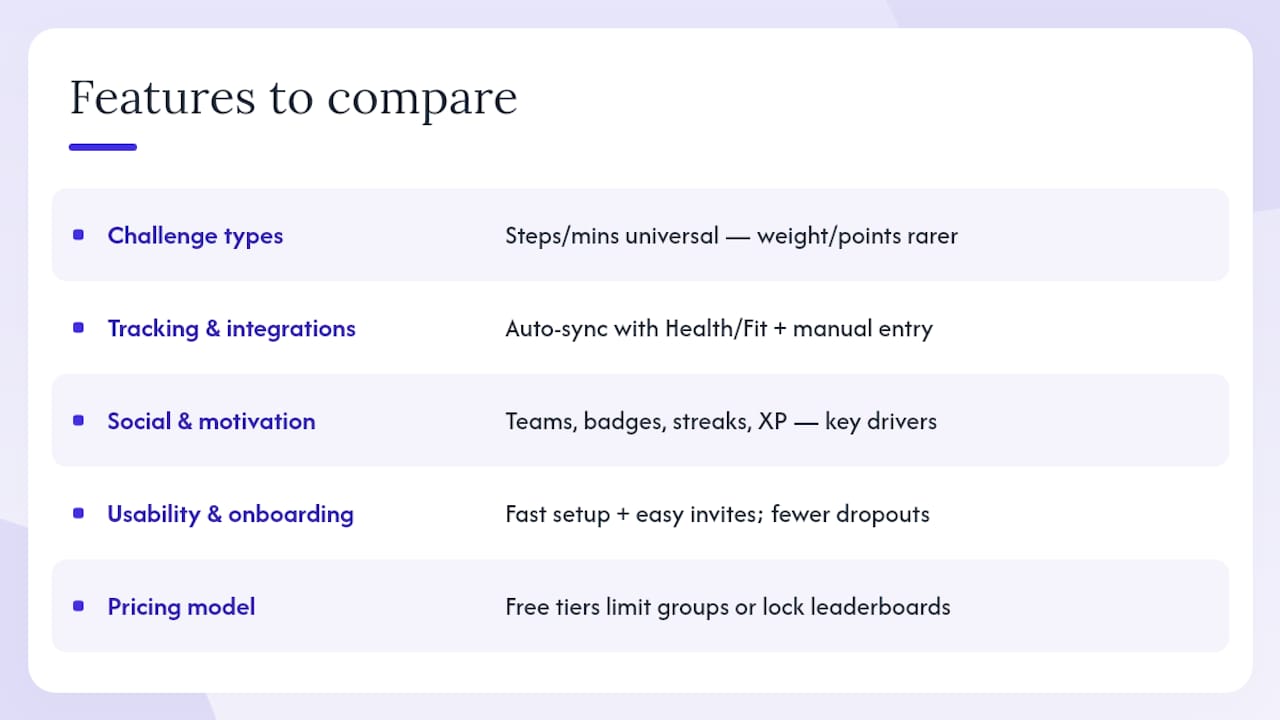
Challenge types supported — Does the app handle the metric your group actually tracks? Steps and minutes are universal; weight-based or point-based scoring is rarer and more flexible for mixed-activity groups.
Tracking and integrations — Auto-sync with Apple Health, Google Fit, and major wearables saves time, but always confirm there is a manual-entry option. Research on app quality shows that higher-quality apps average around six behavior-change techniques, and flexible logging is one of them.
Social and motivation tools — Tribes or teams, comment feeds, badges, streaks, and XP systems are not decoration. Research confirms that rewards, streaks, and clear progress visuals are primary drivers of sustained engagement among Gen-Z users specifically.
Usability and onboarding — How fast can you create a challenge and get ten friends into it? Every extra step in the invite flow costs you participants.
Pricing model — Free tiers often limit group size or lock leaderboards behind a paywall. Know what is free versus what requires a premium subscription before you propose an app to your group.
Pro Tip: Before downloading any group fitness challenge app, ask one question: can someone with only a smartphone (no wearable) still participate and appear on the leaderboard? If the answer is no, you will lose members before the first week ends.
Start with your group’s reality, not the app’s feature list. Three questions cut through the noise fast.
What devices does your group use? A small group of iPhone users who all have Apple Watch can rely on tight Apple Health sync. A mixed group of Android, iPhone, and Garmin users needs an app with manual entry or a dedicated scorekeeper model, because automatic sync will break for someone.
What motivates your group more: competition or consistency? Ranked leaderboards fire up competitive people but can quietly discourage anyone stuck near the bottom. Streak-based or minimum-viable-action models keep more people engaged longer, especially in 30 day challenge apps where the goal is habit formation, not just winning.
What is your budget and admin load? Per-user pricing scales badly for large groups. Flat-fee or freemium apps with generous free tiers work better when you are organizing a casual office challenge or a friend group. Check whether the admin can control invite privacy and whether participants need to create a full account just to view the leaderboard.
Quick checklist before you download: confirm the challenge metric matches your group’s activity, verify manual entry is available, check that cross-platform support covers every device in your group, and read the privacy settings before you share anyone’s health data.
A well-designed challenge keeps people engaged past the novelty phase. Follow these steps and you will avoid the most common drop-off points.
Pro Tip: Set a fixed daily check-in time, like 9 PM, and remind participants in the group chat. Visible group consistency, seeing that everyone else logged today, is one of the strongest motivators to log your own activity before the deadline.
The evidence is solid, with some important caveats about design.
Walking competitions produced an average 23% increase in activity during the competition period in a large-scale analysis, and evenly matched participant groups drove the biggest gains. That 23% figure is meaningful, but it is a short-term number tied to the active competition window.
Stat to know:About 40% of app users increased their daily steps by more than 1,000 at both one and two years when apps combined tracking with ongoing incentives, suggesting that well-designed apps can produce lasting change, not just a temporary spike.
The catch? Gamification gains often decline once incentives are removed. This is why the best group fitness challenge apps pair leaderboards with streak systems and ongoing rewards rather than relying on competition alone.
Pro Tip: Match participants by activity level when possible. Evenly balanced groups produce better engagement and more sustained gains than groups where one person dominates the leaderboard from day one.
Running a group challenge means sharing health data, and that deserves a quick review before you send the first invite.
Check app permissions carefully. Which sensors and accounts does the app access? Apple Health and Google Fit connections should be optional, not mandatory. Location access is rarely necessary for a steps or workout challenge.
Review invite and account controls. Can someone join by link without creating a full account? Are public leaderboards optional? Participants who are not comfortable with public rankings should be able to participate privately.
Understand data retention. Can participants delete their data after the challenge ends? How long does the app retain challenge logs? These questions matter more when you are organizing a workplace challenge with colleagues.
Watch for leaderboard shaming. A leaderboard that shows everyone’s rank is motivating for the top half and discouraging for the bottom half. Set group norms early: the goal is participation and improvement, not just winning. Consider using a consistency metric alongside raw output so that someone who shows up every day gets recognized even if their step count is lower.
Pro Tip: Before launching a workplace or school challenge, send participants a one-paragraph summary of what data the app collects and how it is shared. Transparency up front prevents drop-off and builds trust.
The best fitness challenge app combines flexible tracking, social accountability, and ongoing incentives — not just a leaderboard.
Most people searching for the best fitness challenge app are actually solving a motivation problem, not a technology problem. The app is just the container. What keeps people coming back is the social contract inside it: the tribe that notices when you go quiet, the streak you do not want to break, the coach whose session you actually want to finish.
That is why I think the obsession with feature lists gets the decision backwards. A simpler app with a tight, active group will outperform a feature-rich app used solo every single time. The research on calisthenics and structured app-based training points to the same conclusion: behavior-change techniques and social scaffolding matter more than UI polish. Pick the app your group will actually open tomorrow, set an MVA low enough that no one has an excuse to skip, and let the streak do the rest.
Onemor is built specifically for Gen-Z and young millennials who want structure without spending hours planning their own routines. Every session is coach-led with sets, reps, and rest timers built in, so participants know exactly what to do. Tribe-based challenges let you compete with friends through streaks and XP, and the app covers strength, HIIT, bodyweight, and beginner programs for both home and gym.
The free tier gives you access to workouts and basic tracking. A premium subscription unlocks full coach-led programming, advanced tribe features, and priority access to new challenges. Ready to run your first group challenge? Explore all Tribes on Onemor and get your group moving this week.